
How to see who doesn’t follow you back on TikTok
The complete guide to one-way follows on TikTok in 2026: why the app will not compare your two lists, the manual method and where it stops working, what an app can and cannot tell you, and how to read the result.
Updated 9 min read
Two numbers sit on your profile. TikTok will show you the list behind each of them, and will never show you the difference between them — no count of one-way follows, no filter, no shared indicator, nothing that puts the two lists side by side.
This guide covers the whole picture: why the gap exists, the manual method and exactly where it stops working, what a comparison app can and cannot tell you, what the result actually means, and what to avoid on the way.
Why TikTok has no such feature
Nothing is being hidden from you. Every fact needed to answer the question is already on screen: your Following list shows who you follow, your Followers list shows who follows you, and any account’s profile shows the state of the relationship on its button.
What is missing is the assembly. Both lists live on the same screen behind a tab row and can never be displayed together; neither can be sorted, filtered or exported; and there is no counter anywhere for the accounts that appear in one and not the other. The information is public to you and the answer is not computed.
Method 1: check them one at a time
The only route TikTok provides. It uses nothing but the app, it is completely reliable per account, and it does not scale.
Open your Following list
Profile, then the Following count under your username. This is every account you follow, roughly newest-first.
Open a profile from the list
Tap an account. The button on their profile is the answer: Friends means the follow goes both ways.
Read the button, not the label in the list
Follow or Follow back means they do not follow you. The Friends tag inside the list itself is not reliable enough to audit with.
Go back and repeat
TikTok returns you near the top of the list rather than where you were, which is what makes this method collapse past a few dozen accounts.
The killer is step four. TikTok does not preserve your position in the Following list when you come back from a profile, so after each check you are scrolling to find where you were. That is the difference between a method and a chore.
How long this actually takes
Timed honestly, including finding your place again, a confident user manages one account every eight to twelve seconds:
- Under 30 follows — about five minutes. Just do it by hand.
- 100 follows — around twenty minutes, and you will lose your place at least twice.
- 500 follows — over an hour of uninterrupted tapping, in practice spread across several sittings.
- 2,000+ — not a task anyone completes, and the list changes while you are working through it.
There is a desktop variant using a spreadsheet, which is genuinely reasonable for small accounts and covered in checking non-followers on a computer.
Method 2: compare both lists at once
The alternative is not a different source of data — it is the same two lists, loaded in full and compared. That is what FollowTok does, on your phone.
Sign in on your device
The login happens in TikTok's own screen inside the app. The session stays on the phone and no password is sent anywhere.
Let both lists load
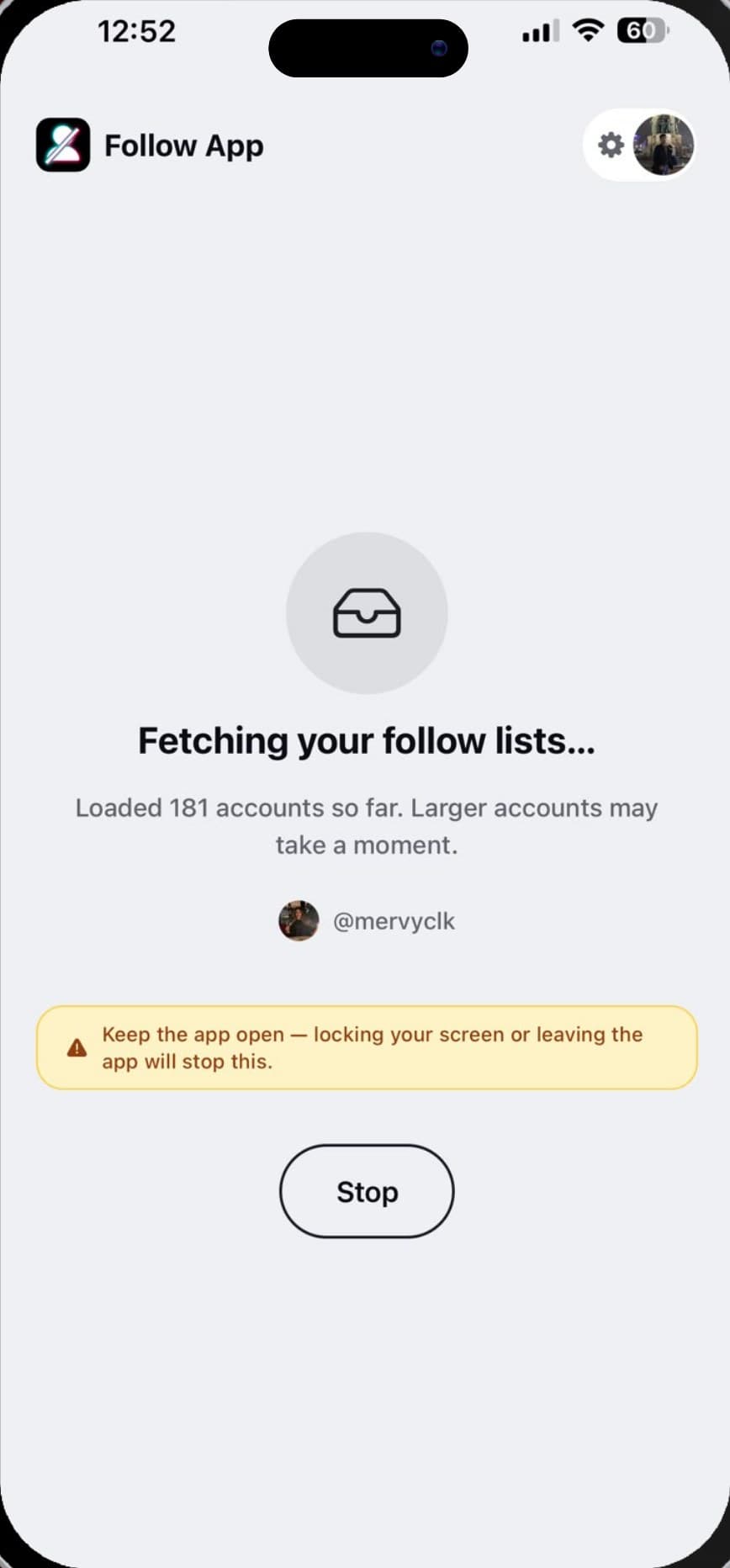
It pages through Following and Followers with a live counter. Large accounts take a minute or two; keep the app open while it runs.
Read the difference
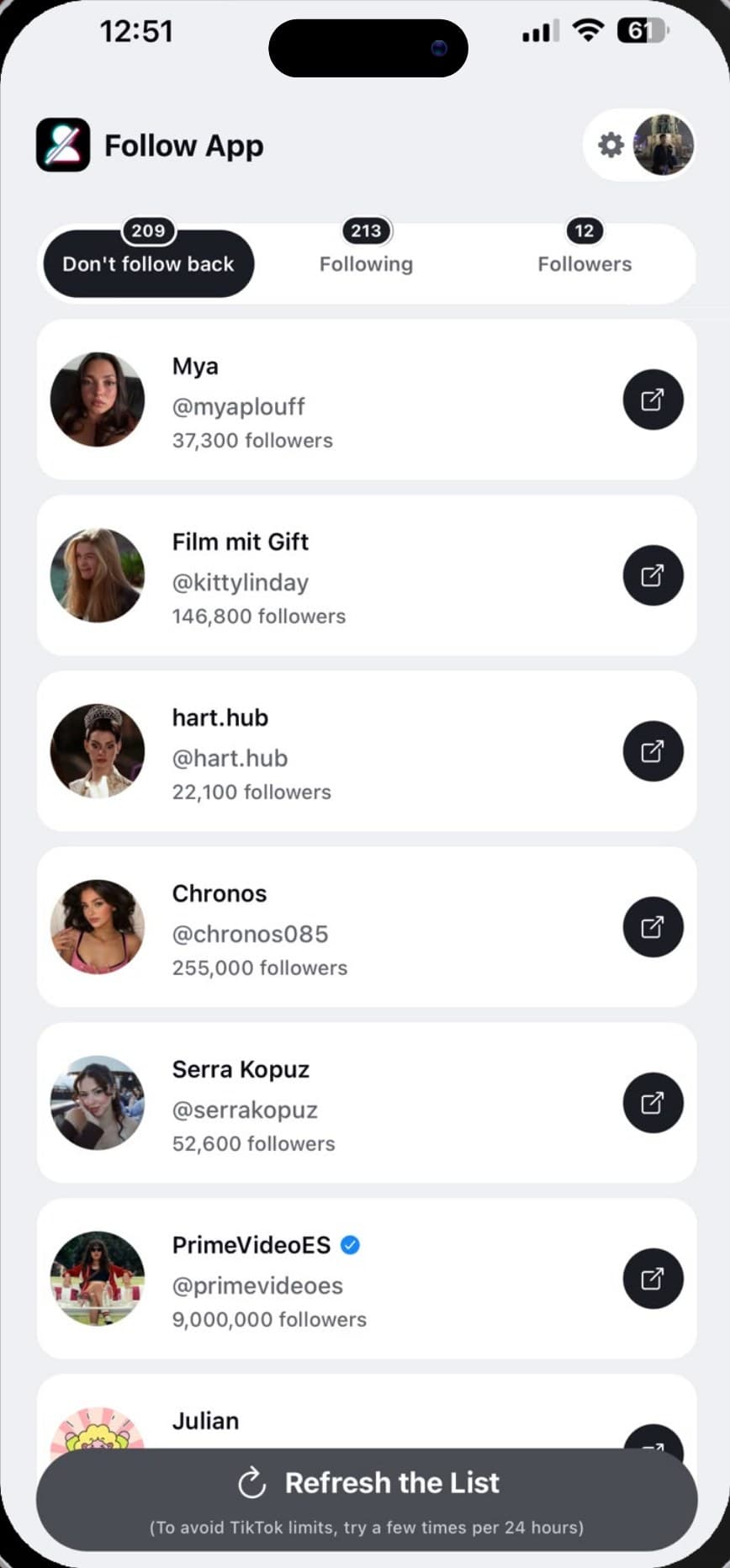
Three tabs: the accounts that do not follow you back, your full Following list and your full Followers list, each account with its display name, @username and follower count.
Decide with the profile in front of you
Any account opens in TikTok in one tap. The app makes no changes to your account — what you do with the list is yours.
By hand, inside TikTok
- Nothing to install
- One account per ~10 seconds
- No count, no filter, no comparison
- Scroll position resets after every check
- Realistic ceiling: a few dozen
Compared, with FollowTok
- Both lists loaded in full
- The whole answer in one pass
- Follower counts and verified badges in the list
- Refresh later to catch unfollowers
- Free: the exact count, plus 2 accounts named
What no tool can tell you
Worth being precise about, because this is where overclaiming happens:
- Who unfollowed you before you started. TikTok keeps no record of past followers. Unfollows are detectable only by comparing a list captured earlier with one captured later — see how to see who unfollowed you.
- Who viewed your profile. A separate TikTok feature with its own rules, and nothing to do with follow lists.
- Anything about a private account you do not follow. A tool reads what you can already see, and nothing more.
- Unlimited instant refreshes. TikTok throttles repeated list requests. Every tool is subject to it, and pacing is the only correct response — see why a list stops loading.
Reading the result properly
The first run is usually a bigger number than people expect, and the instinct is to treat every name on it as a slight. Most of them are not:
- Creators. Large accounts follow a tiny fraction of their audience. This is the normal shape of the thing, not a snub.
- Accounts you followed for one video. A recipe, a news clip, a song. You wanted the video, not the account.
- Accounts you do not recognise at all. Usually the largest group, and the easiest decision on the page.
- People you followed expecting a follow back. The only group the list is really about.
The follower count next to each name does most of the sorting for you: a 9,000,000-follower account not following you back is not information, and a 40-follower account you have never heard of might be. What that means for your profile overall is covered in does your follower-to-following ratio matter.
What to avoid
Demand for this answer is high enough that the search results include tools that are not safe to use. Two rules cover it:
- Never enter your TikTok password on a third-party website. Reading your lists needs a session, which your phone can hold locally. It does not need a password on someone else’s server, and handing one over gives that operator full control of the account.
- Distrust history nobody could have. Any tool offering everyone who ever unfollowed you is describing a record TikTok does not keep. Overclaiming is the cheapest available signal.
The full version of that checklist is in are TikTok follower trackers safe.
What to do with the answer
Knowing is the whole feature; acting is optional and entirely yours. Unfollowing is quiet — TikTok sends no notification, as covered in does TikTok notify someone when you unfollow them — but a one-way follow is not automatically a mistake. If you follow an account because you like what it posts, whether it follows you back is beside the point.
The accounts worth a second look are the ones you followed in order to be followed back, and those are exactly the names a comparison surfaces. Run it again in a month and the difference between the two runs tells you the rest.
Frequently asked questions
How do you see who doesn’t follow you back on TikTok?
Does TikTok have a way to compare followers and following?
Is the Friends label proof that someone follows you back?
Will anyone know I checked?
Can an app show who unfollowed me in the past?
Is it safe to use an app for this?
Keep reading
Where to find your Following and Followers lists on TikTok
Both lists live behind the counts on your profile. Here is how to open them, what each one does and does not show, why they are so hard to read to the end, and what TikTok deliberately leaves out.
How to see who unfollowed you on TikTok
TikTok tells you your follower count dropped and never whose name left. Here is what the app can and cannot show you, the manual method that actually works, and why a tracker only sees changes from the day you start.
Are TikTok follower trackers safe to use?
Some are, most of the risky ones give themselves away immediately. What these tools actually need, the four rules that separate them, and a test you can run yourself in thirty seconds.
Does your follower-to-following ratio matter on TikTok?
The algorithm does not read your ratio. People do. Here is what the number actually signals, when it is worth fixing, and why follow-for-follow leaves you with a list nobody can maintain.